
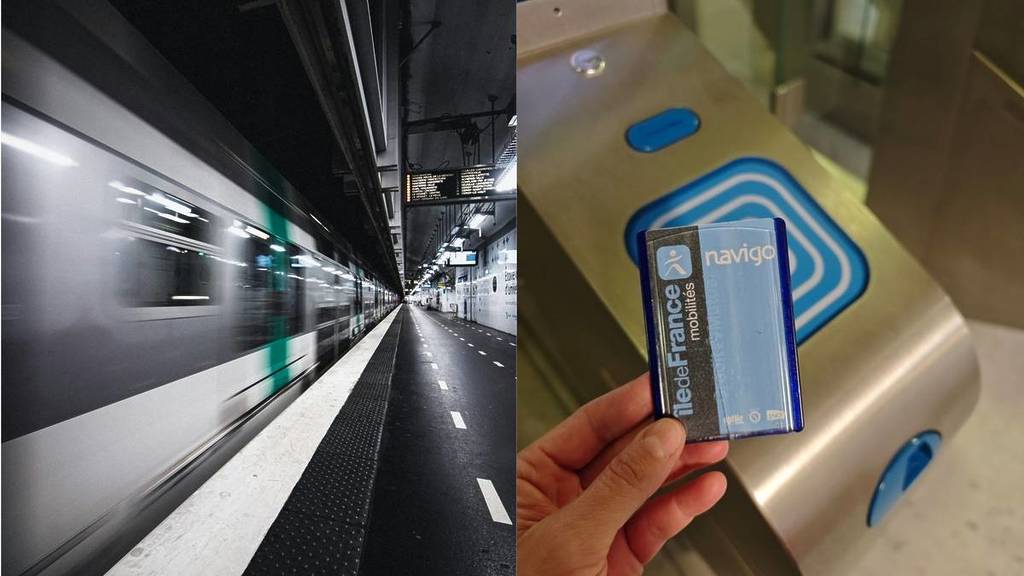

Those endless linesat theticketwindowsat the start of every month? That’s over! Few people know this, but you cantop up your Navigo pass directly on your phone in just a few minutes. Here’s how to do it!
Top up your Navigo pass on your phone
You know how it goes—every month it’s the same old story. You have to steel yourself to go recharge your Navigo pass… and face the crowds of Parisians who had the same idea as you. It’s far from fun, yet it could be done in just a few minutes, at your own pace and whenever you want, right from home.
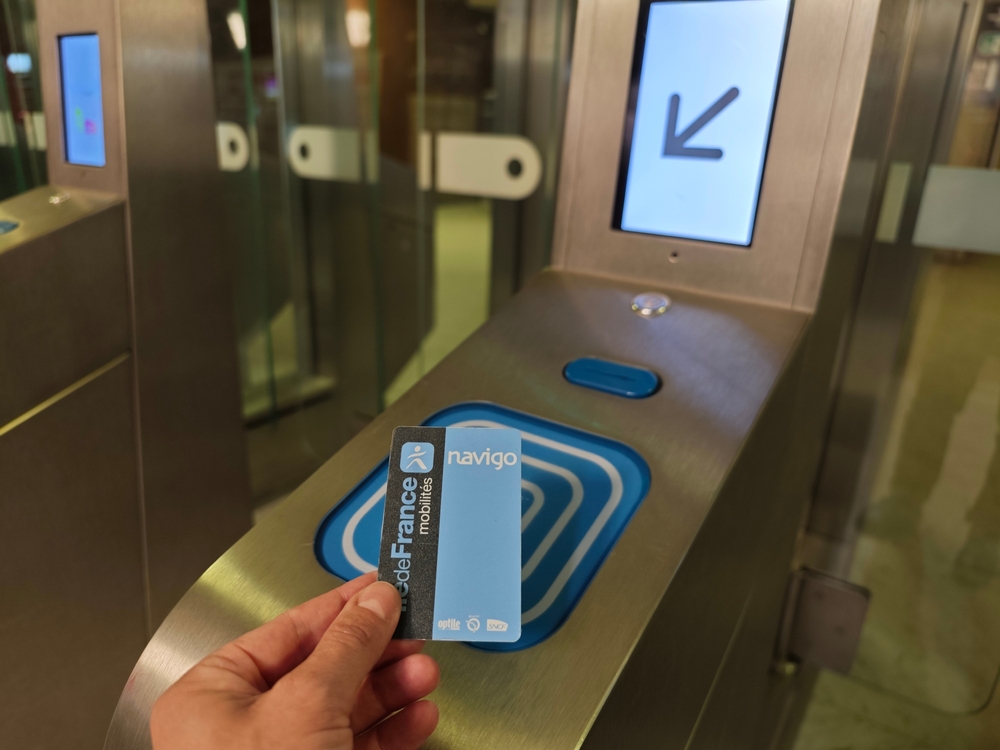
To do this, simply download the Île-de-France Mobilités app, then:
- Go to the Purchase menu, select “On my Navigo pass,” then hold your pass against the back of your phone to view its contents.
On iPhones, you need to tap “Read my pass” before holding the pass up to the top of your phone. When your phone detects it, it will vibrate. - The app will display in a few seconds the remaining tickets and passes on your pass
- You can then choose different types of tickets at checkout
- After payment, you’ll need to hold your pass up to the back of your phone again to load the purchased tickets onto it. And there you go—your pass is topped up!
Note that this tip works with all iOS models starting with the iPhone 7, and Android phones running at least Android 6.0. You can buy daily, weekly, or monthly passes, as well as specific tickets like the Fête de la Musique pass, airport passes, Paris Visite passes, and more… All recent Navigo passes can be recharged directly on your phone!
A huge time-saver for all users! Keep that in mind next time.